
Blog
Here’s How Often You Should Really Be Cleaning Your TV Screen

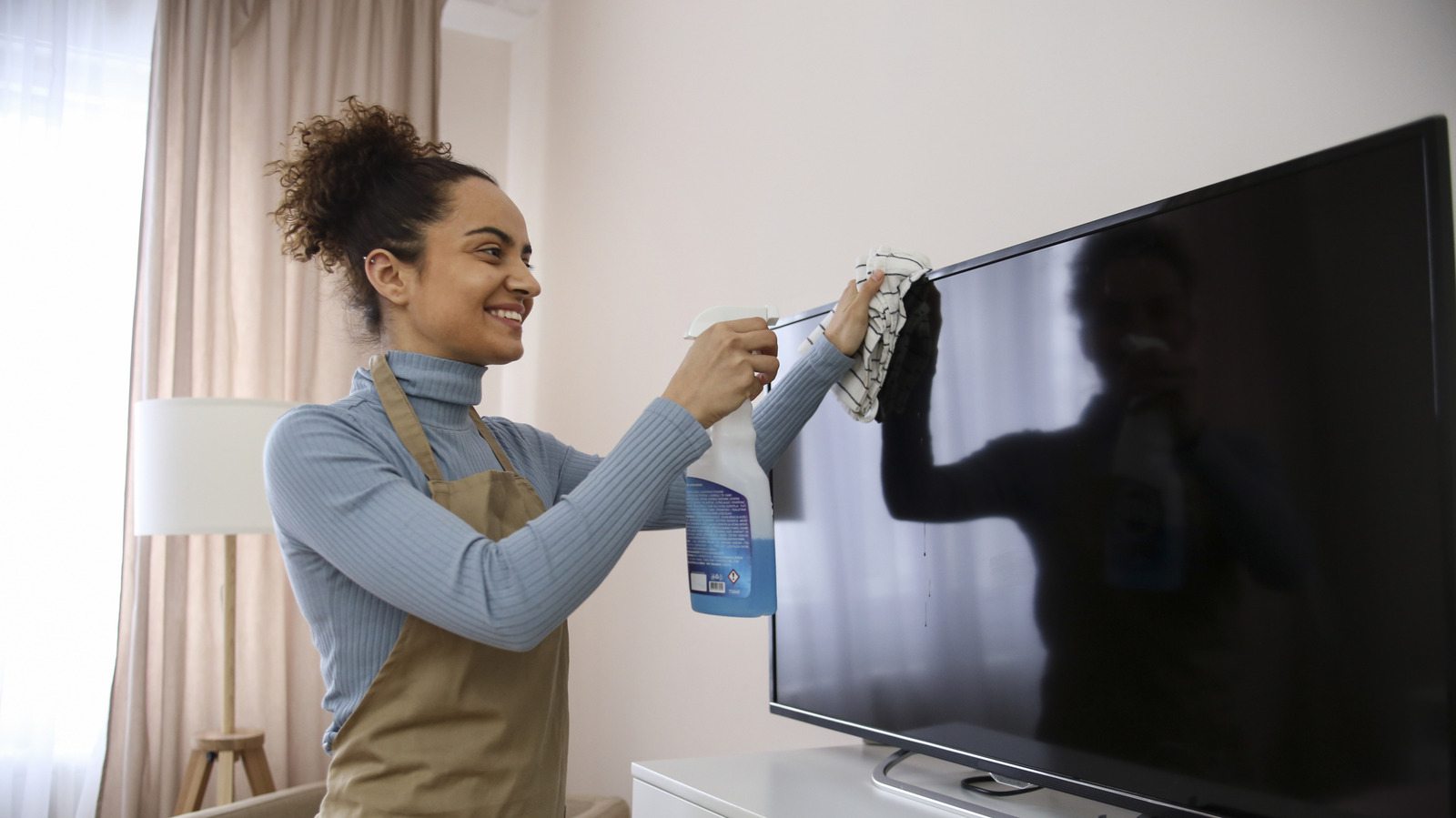
With so many things in our home that need cleaning, many of us don’t immediately think of our television screens. After all, unlike our mobile phones and tablets, our fingers don’t tend touch it very often, and we’re often viewing it from a distance. However, Panasonic recommends cleaning the screen every week to reduce grime build-up that might eventually affect your viewing experience. Screens aren’t the only parts of a TV that need cleaning, either. If your TV has poor airflow, Xiaomi warns that it can lead to overheating, which can be a fire hazard. Because of this, other brands like TCL say that you should clean the TV vents and ports at least once a year.
Similar to other appliances in our home, there’s no golden rule for how often they should be cleaned, since we all live in different environments and our TVs have different levels of usage. That said, there are a lot of common mistakes people make when cleaning their TVs that can do more harm than good, whether it’s using the wrong materials, not paying attention to some parts, or being too rough. Here’s what you need, how to do it, and how to keep it clean for longer.
What to prepare when cleaning your TV
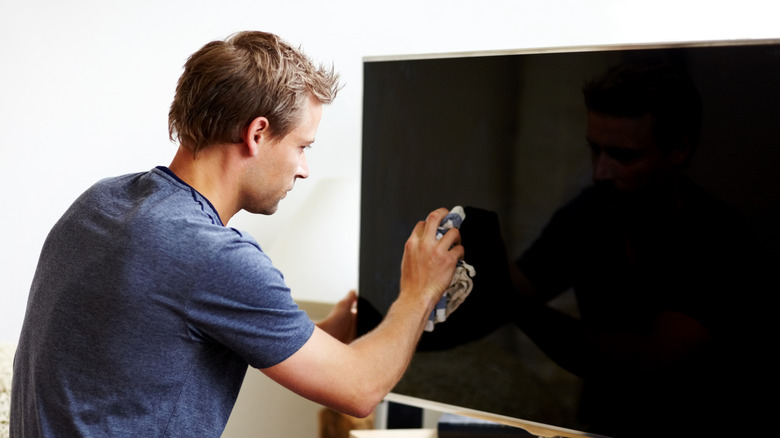
When preparing your TV cleaning materials, the best course of action is to consult its instruction manual, since some models can have specific cleaning requirements. For example, Samsung warns that soap and window cleaners are off limits. It also says not to use any cleaners or solvents that include alcohol, ammonia, or benzene. This can lead to permanent damage to the TV screen, such as accidentally removing the anti-glare coating.
While it can be tempting to simply grab the paper towels from the kitchen, Samsung recommends that you get a soft, line-free cloth. Thankfully, there are plenty of cheap, high-quality microfiber towels from brands like The Rag Company, Kirkland, Grant’s, and Member’s Mark. Although you’ll usually need to buy them in bulk, there are plenty of uses for them, such as cleaning your car, kitchen area, or other electronics. For cleaning your TV’s body, you’ll also need at least two rags: one damp and one dry.
Next, you’ll want to gather tools for managing dust and debris build up in your ports and heat vents. And while it’s not part of your TV, you might want to grab antibacterial wipes for your remote too. Once you have all of these on-hand, here are the steps to follow to clean your TV.
Steps to clean your TV
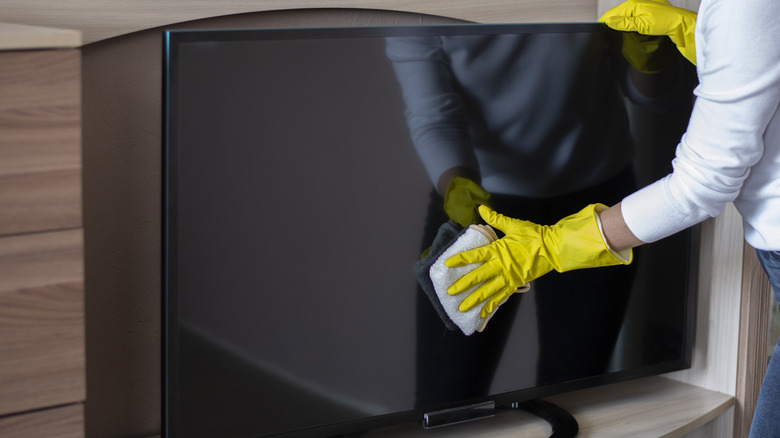
When cleaning any electric device, the first thing you should do is turn it off and unplugging it. Since water and many other liquids are conductive, avoid spraying fluids directly onto or into the TV. You can also angle your TV away from the light, so you can better spot any fingerprints or other marks that might have been out of view. Gently wipe any dust, debris, or smudges with your dry microfiber cloth. One way to avoid streaks is to wipe in a circular motion.
Next, you’ll want to move on to the body of your TV. Unlike the screen, this part isn’t as sensitive, so you can use a water-dampened microfiber towel first. Afterward, you can follow up with a dry microfiber towel to get rid of any remaining moisture. For dust build up in the heat vents, TCL recommends using a vacuum with a brush attachment, while it says compressed air is best for the ports. Lastly, you can give your remote a good clean with the antibacterial wipes to remove any remnants of last week’s popcorn.
Afterward, you’ll want to wash your microfiber cloths by throwing them in the washing machine with the rest of your microfiber towels. You should use mild detergent and skip harsh chemicals, like bleach and fabric softener, then air dry to keep it lasting longer.